
Technical SEO
Technical SEO Audit Checklist: 6 Areas Automated Crawlers Miss
 By Irfan Manjothi9 min read
THE SHORT ANSWER
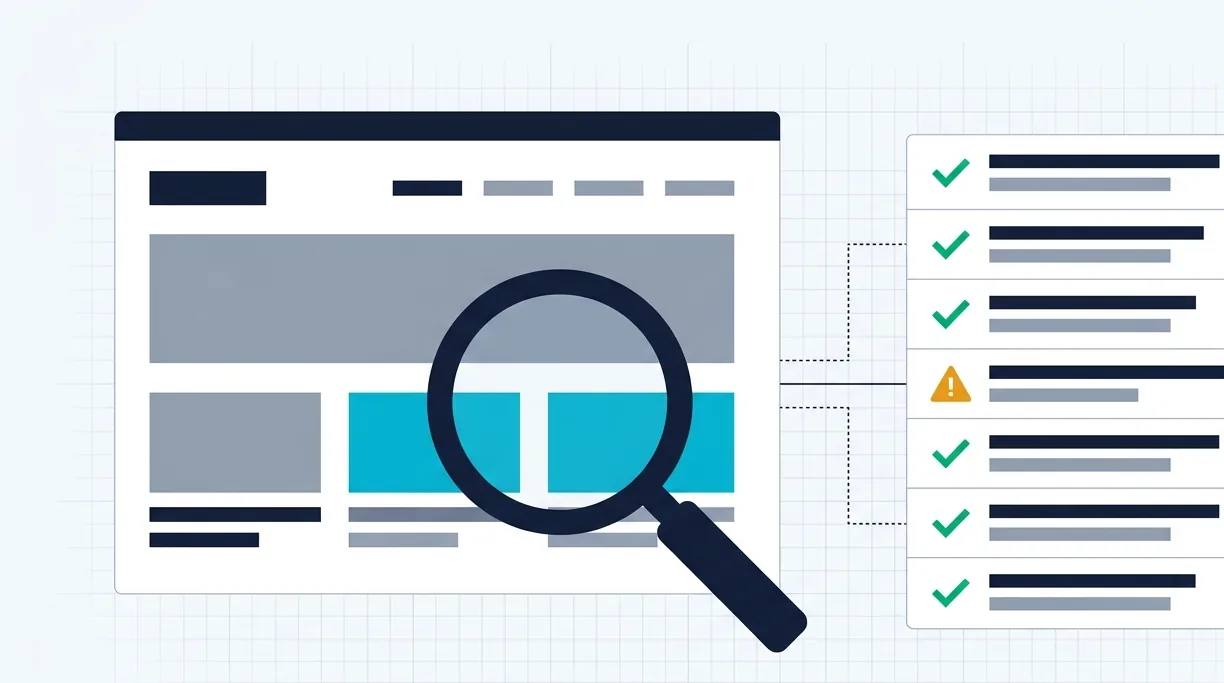
A technical SEO audit checks whether search engines and AI crawlers can find, render, understand and index your website. A complete audit covers six areas: crawlability and indexation, site architecture, speed and rendering, on-page and schema, content and cannibalization, and AI search readiness.
Why automated audits fall short
Crawling tools are excellent at collecting data at scale. The problem is what happens next. Many audits are exported straight from a tool into a 200-page report full of warnings with no priorities, no context and no owner. Teams get overwhelmed, the critical issues sit next to cosmetic ones, and very little gets implemented.
Tools also miss things only a person notices: content that a crawler renders differently from a real browser, navigation that confuses users, or a template decision that quietly creates thousands of near-duplicate URLs. The checklist below combines both approaches.
1. Crawlability and indexation
- Review robots.txt rules for accidental blocks on important sections or resources.
- Confirm XML sitemaps are dynamic, only list indexable URLs and update automatically.
- Check canonical tags point to the right version of each page.
- Audit noindex and nofollow usage across templates.
- Analyse server logs to see where crawlers actually spend their time.
- Compare pages submitted with pages indexed, and investigate the gap.
2. Site architecture and internal linking
- Keep a clean, logical URL hierarchy.
- Reduce click depth so important pages are a few clicks from the homepage.
- Fix broken links, redirect chains and redirect loops.
- Control faceted navigation and URL parameters that create endless crawl paths.
- Find orphan pages that no internal link points to, and reconnect them.
- Add breadcrumbs to reinforce structure for users and search engines.
3. Speed, Core Web Vitals and rendering
- Measure Largest Contentful Paint, Interaction to Next Paint and Cumulative Layout Shift on real templates.
- Check server response time and caching.
- Minify and defer non-critical CSS and JavaScript.
- Test mobile layouts on real devices, not just emulators.
- Inspect rendering manually. Compare the raw HTML with the rendered page. If key content only appears after client-side JavaScript runs, some crawlers will never see it.
4. On-page signals and schema
- Match each page to one clear search intent.
- Write unique, descriptive title tags and meta descriptions.
- Use one H1 and a logical H2 to H6 structure.
- Add descriptive alt text and compress images.
- Implement and validate structured data for your organization, articles, services, products and FAQs.
- Set up hreflang correctly if you serve multiple languages or regions.
5. Content and cannibalization
- Find pages competing for the same intent and decide which one should own it.
- Decide whether each weak page should be kept, refreshed, merged with a 301 redirect or removed.
- Identify missing commercial pages your competitors rank with.
- Map internal link opportunities from strong pages to priority pages.
6. AI search readiness
- Open key sections with concise 40 to 50 word answers.
- Make sure AI crawlers are not blocked by robots rules or rendering issues.
- Keep your brand and entity information consistent and machine-readable.
- Include comparison tables and original insights that are easy to quote.
Turning findings into action
An audit is only valuable if it gets implemented. We deliver every finding in a six-column workbook:
| Column | What it answers |
|---|---|
| The Issue | What is broken and why it matters |
| Affected URLs | Exactly where it happens |
| Priority Level | What to fix first, from critical to low |
| Fix Instructions | Step-by-step technical or on-page guidance |
| Assigned Owner | Client, developer or SEO |
| Status | Pending through to completed |
Want to see one? We walk through a live sample on every discovery call. You can also read how we approach technical SEO audits.
Frequently asked questions
How often should you run a technical SEO audit?
Run a full audit at least once a year and after any major redesign, migration or platform change, with lighter monthly checks on crawl errors, indexation and Core Web Vitals.
Can I do a technical SEO audit myself?
You can cover the basics with this checklist and standard diagnostic tools. A manual audit adds root-cause investigation, rendering checks and clear prioritization, which is where most of the value comes from.
ABOUT THE AUTHOR
Irfan Manjothi
Founder of OrganicAnchor Digital. Writes about technical SEO, content strategy, AI search and link building.
Want this applied to your website?
We study your site before the call and show you real findings in 15 minutes.