
Technical SEO
JavaScript SEO: Why Your Pages Aren't Getting Indexed (and How to Fix It)
 By Irfan Manjothi7 min read
THE SHORT ANSWER
JavaScript pages often fail to get indexed because crawlers receive little or no content in the initial HTML, cannot follow links that only work through scripts, or never discover new URLs. The fixes are server-side rendering for core content, real anchor links and an automatically updated XML sitemap.
How search engines process JavaScript
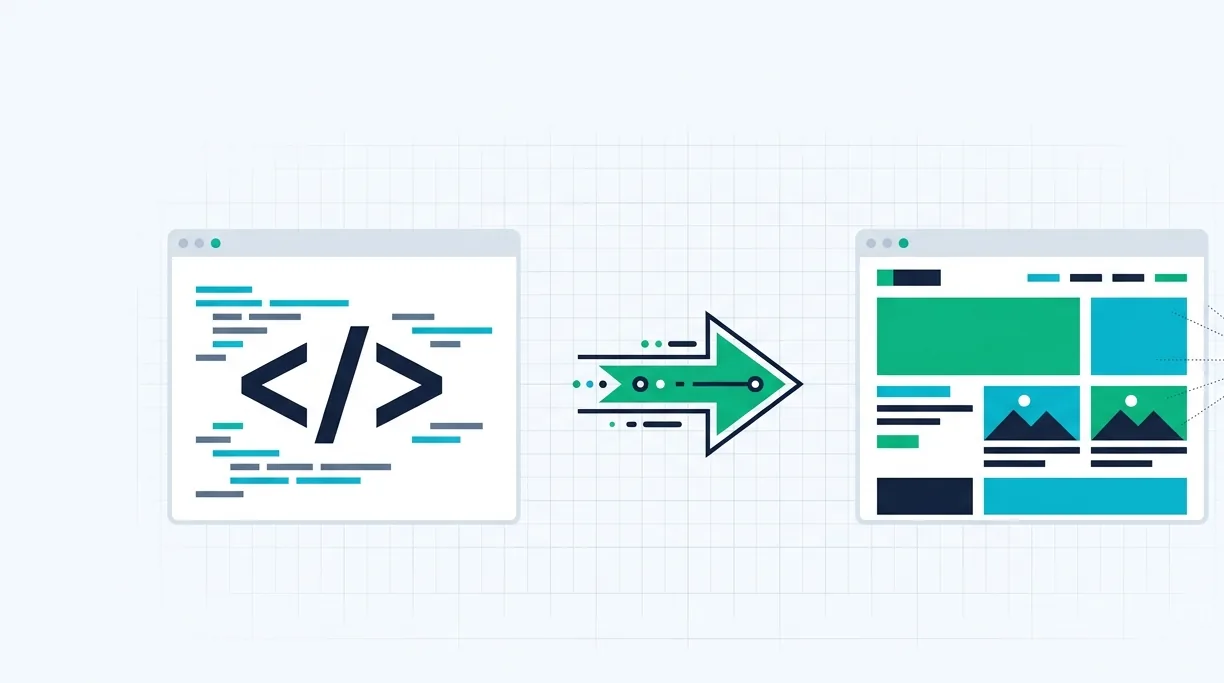
When a crawler requests a page, it first receives the raw HTML. If your content is already in that HTML, it can be read immediately. If the content is only built in the browser by JavaScript, the page has to be rendered first, which costs time and resources. Rendering may be delayed, and some crawlers, including many AI crawlers, do not run JavaScript reliably at all.
The result is a gap between what your visitors see and what crawlers see. On large sites, that gap can leave thousands of pages invisible.
Signs you have a JavaScript SEO problem
- New pages take a long time to get indexed, or never do.
- Indexed pages show missing or generic content in search results.
- Large numbers of URLs are discovered but not indexed.
- Category or collection pages only link to the first page of results.
- Organic traffic plateaus even though you keep publishing.
How to diagnose it
- Compare raw and rendered HTML. View the page source and compare it with the rendered DOM. If your main content, headings or links are missing from the source, crawlers are depending on rendering.
- Use your search console's URL inspection. Check the rendered HTML and screenshot that the search engine saw for affected templates.
- Test your links. Links should be real anchor elements with an href attribute. Buttons or click handlers that load content without a URL cannot be followed.
- Check discovery. Confirm new URLs appear in your XML sitemap automatically and are reachable through internal links.
The fixes that work
Server-side rendering or pre-rendering
Render core content on the server so it is present in the initial HTML. Server-side rendering, static generation or pre-rendering all achieve this. Dynamic rendering can work as a temporary bridge, but serving the same complete HTML to everyone is the more robust long-term approach.
Crawlable pagination and links
Give every paginated page its own URL, such as ?page=2, and link to it with a standard anchor tag. Infinite scroll can stay for users, as long as crawlable paginated URLs exist underneath.
A dynamic XML sitemap
Generate your sitemap automatically so every new indexable URL is listed the moment it is published, and old or redirected URLs are removed.
Keep critical resources crawlable
Make sure the JavaScript and CSS files needed to render your pages are not blocked in robots.txt, and keep bundles lean so rendering stays fast.
In one engagement, these three changes brought a backlog of more than 2,000 invisible pages into the index. You can read the full JavaScript indexation case study.
Why this matters for AI search too
Many AI crawlers read only the HTML they receive. If your content depends on client-side rendering, AI answer engines may never see your best information, no matter how good it is. Fixing rendering is one of the highest-impact steps for both classic SEO and AI search optimization.
Not sure whether your site has this problem? Book a 15-minute discovery call and we'll check your key templates before we speak.
Frequently asked questions
Does Google index JavaScript websites?
Google can render JavaScript, but rendering can be delayed and can fail on complex setups. Content in the initial HTML is always the safest route, especially for large sites and AI crawlers.
Is dynamic rendering still recommended?
It can work as a short-term workaround, but server-side rendering or static generation is the more reliable long-term solution because every visitor and crawler receives the same complete HTML.
ABOUT THE AUTHOR
Irfan Manjothi
Founder of OrganicAnchor Digital. Writes about technical SEO, content strategy, AI search and link building.
Want this applied to your website?
We study your site before the call and show you real findings in 15 minutes.